The best camera apps for Android and iPhone: take better photos today!
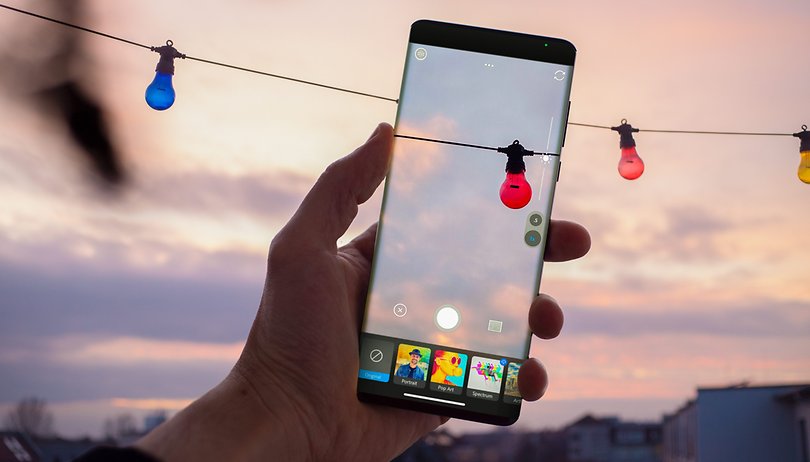

Here are the best camera apps for Android and Apple iOS! Even if the default camera app on your phone works perfectly fine, you can probably get more features and creative options with an alternative camera application. Since I'm also listing free photo apps, you don't even have to shell out money for better pictures.
Are you no longer satisfied with the quality of your smartphone camera? Then this is the right article for you! I have tried out several photo apps from the Google Play Store and Apple App Store and have compiled the best camera apps for Android and iOS in my opinion.
I'm sure you want to see results as quickly as possible, so you can head straight to the selection for your device via the links below:
Do you have any other suggestions that I should definitely include in this list? Then let me know your tip in the comments. Preferably with a short description and info if it's a free app.
- Picture perfect: the best photo editing apps for your phone
- How to turn off the camera shutter sound on Android
The best camera apps for Android
Photoshop Camera - the all-round solution
If you are no longer satisfied with the photos from your camera smartphone, you should definitely try "Photoshop Camera" from Adobe. Even though the legendary image editing software Photoshop is really expensive, Photoshop Camera doesn't cost a cent.
However, Adobe would like to push you a little bit to sign up for a cloud subscription, which is definitely recommended for ambitious hobby photographers. This way, the pictures of your mobile phone will conveniently end up in the Adobe Cloud for further post-processing on your PC. You also need an account with Adobe without a subscription.
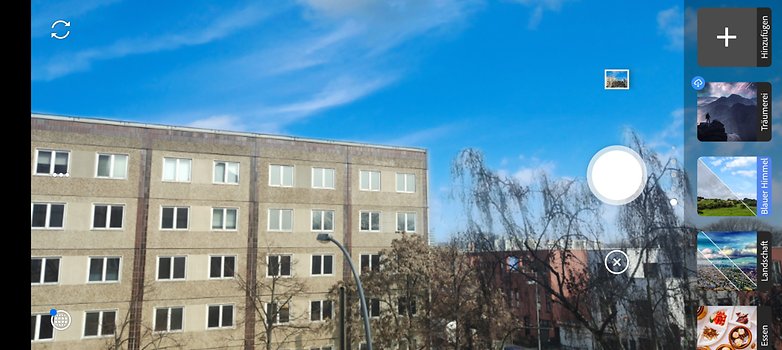
Photoshop Camera helps you along the whole process of taking photos. That means you capture the subject using the built-in photo function, adjust it afterwards with several sliders for exposure, cropping, and colors, and then apply filters to the photo. Basic features for retouching images are also included.
Adobe's camera app is an all-around tip, as you install a whole photo studio directly with a single download. If you just want to capture images quickly, however, the app can be a little too complicated. For quick snapshots check our next tip.
OpenCamera - the solution for snapshots and manual shots
Open Camera is a free, open-source camera app. The camera app offers a strong automatic mode as well as an extensive professional mode. OpenCamera is a Swiss army knife for your mobile phone camera that is easy to use, but has the necessary reserves of functions for your further development as a hobby photographer.
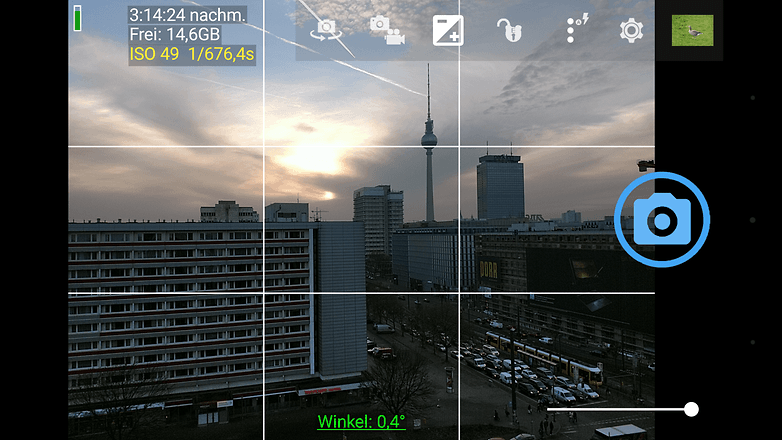
After launching the application, you can take the first picture directly via the blue camera icon on the right edge of the screen. With this, you snap a picture via the automatic mode and probably have the best snapshot in the box right away. There are more features on the left side of the screen, and there's only one thing to do here: try, try, try.
VSCO: For filter fans
VSCO is an exciting mix of camera app, filters, image editing, and an artistic social network. The app is designed in an unusual way and initially appears to be limited to the simplest functions. After taking or importing an image, the user has access to numerous filters - many of which are subject to a fee - as well as a wide range of image editing options to change a photo so that the desired look is achieved.
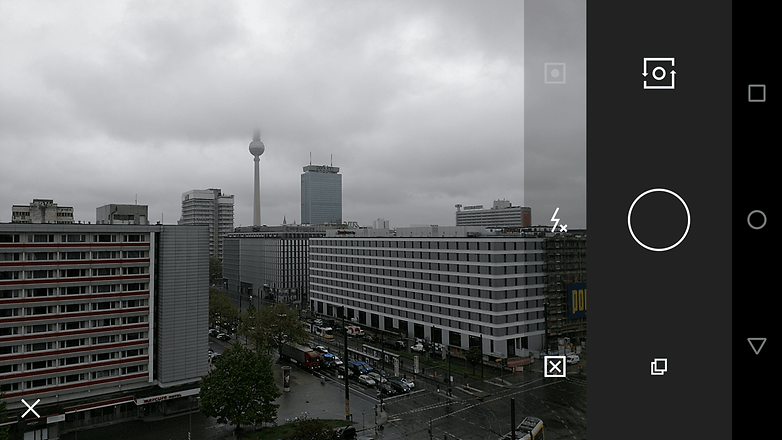
Within VSCO, users can share their photos with the community. Like other social networks, VSCO also allows you to network with your own friends, acquaintances, and contacts so that you can admire pictures together. The app itself and many basic options are free of charge. However, there are many in-app purchases and ways to spend your money with VSCO. The filters and presets that VSCO sells for up to $59 can also be used with other software, such as Adobe Lightroom or Camera Raw.
HedgeCam 2: Modifies image processing (HDR and Co.)
If you're even more interested in mobile photography, you should give HedgeCam 2 a try. Here, you can not only vary the compression but also specify the logic of the High Dynamic Range algorithm. Its predecessor HedgeCam is a further development of the already mentioned Open Camera. Especially in terms of user-friendliness, HedgeCam 2 is a good alternative to our tip.
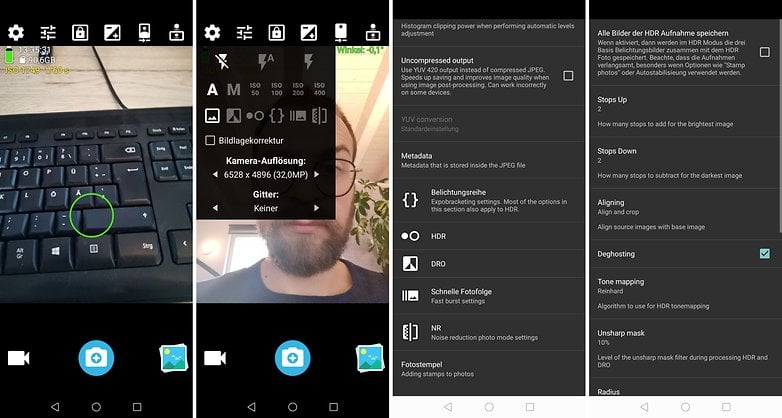
HedgeCam 2's icons and menus look a little prettier, and there are virtual sliders for aperture and manual focus. However, some users in the Google Play Store report problems saving images. Therefore, HedgeCam doesn't quite make it to the top spot for us.
Google Camera (port): Best HDR and spherical panoramas
Google always manages to get top spots in camera phone best lists with its Pixel smartphones. This is mainly due to the very good software, which is actually exclusive to Google's own phones. But because the algorithms are so good, hobbyists started bringing the app to other phones.
Resourceful developers have managed to unlock ("port") HDR+ to other smartphones with Qualcomm chips. Thanks to these modified app versions, you can snap HDR photos and use some other features with non-Google smartphones.
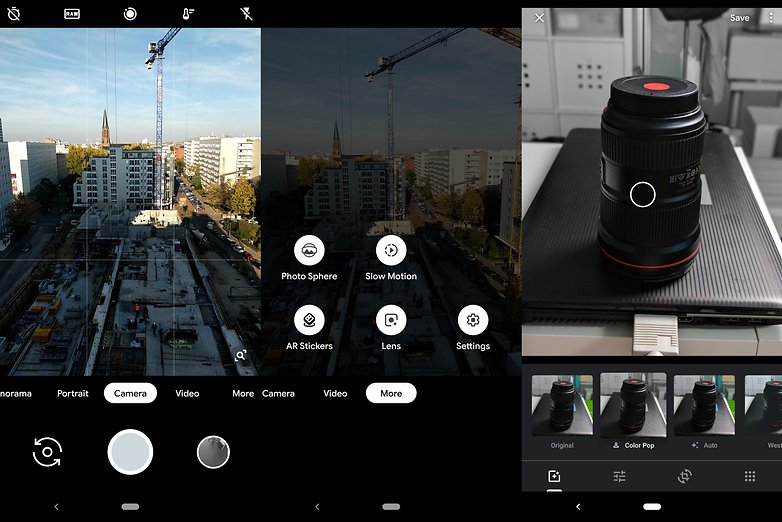
You can take pictures as panorama and as photosphere. The latter is a walk-in spherical panorama that you can view with the appropriate Photos app via the motion sensors; although 360-degree cameras are more suitable for such shots.
But some research is required: there are now countless different app versions and not all work equally well. Maybe there is a variant of the Google camera adapted for your smartphone.
Cymera: Our tip for better selfies
Cymera is the perfect app for the selfie generation. With the integrated filters, beauty options, and postprocessing options, you can make even more stylish self-portraits of yourself.
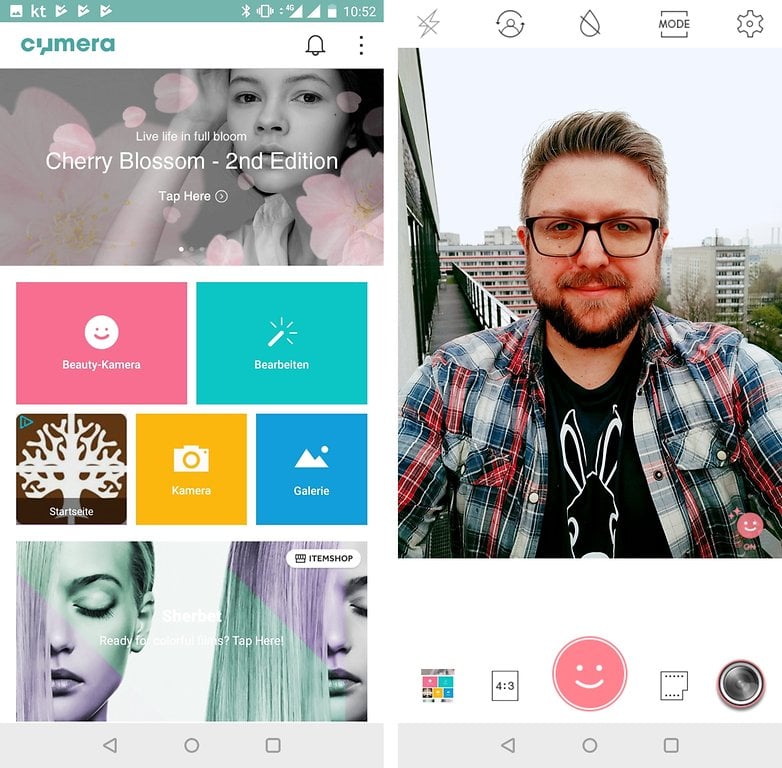
But Cymera can do more than just selfies. The app includes its own gallery, numerous options for editing your photos, and many options for playing around with the camera.
The best camera apps for iPhone
As promised, we're also going to cover camera apps for Apple iOS! Unfortunately, camera apps in particular are rarely found on both platforms as well. So if you use both iOS and Android, you'll have to get used to them a bit.
ProCamera: The best all-round solution for iOS
What Photoshop Camera is for Android, "ProCamera" is for iOS - but unfortunately not for free. Although the photo app costs just under $15 as a one-time purchase, it's worth spending the money. Because compared to Apple's standard app, there are many manual setting options, dozens of filters, and extensive image editing functions.
In addition to taking and editing photos, you also have more control over your iPhone's videos. ProCamera supports recording with the main and selfie camera at the same time or lets you feed Bluetooth microphones directly into the video. It's not for nothing that ProCamera is ranked among the best photo apps for iOS, and it's the best app that lets you take pictures directly.
Focos: Many filters, for free
If ProCamera is too expensive for you, you should check out Focos. The application is completely free and brings some creative possibilities with it. Among other things, you can take portrait shots and manually adjust the aperture used. It is exciting that I can also change the focus afterwards. Many of these features are already available in the free version of the camera app.
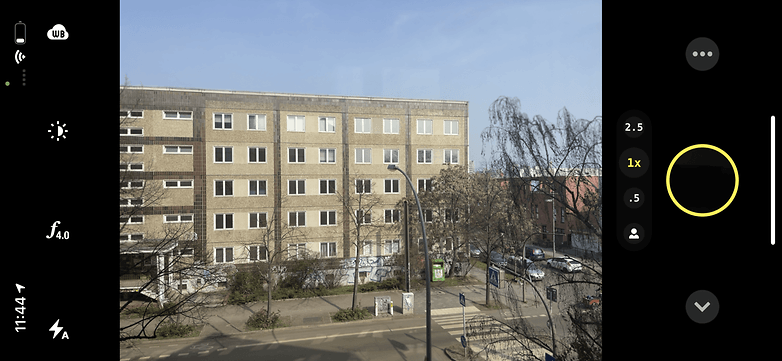
If you really like Focos, you can unlock all functions for $12.99 and expand the range of functions. Spending money on apps is and will always be something you have to get used to as an iOS user. But then again, some of the apps are much better than the Android alternatives.
VSCO: Photo network with filters also available for iOS
VSCO, on the other hand, is completely free, and that is partly because the app should encourage you to use the photo network of the same name. It's a bit like Instagram, but the standard app offers you a lot more shooting functions than Instagram.
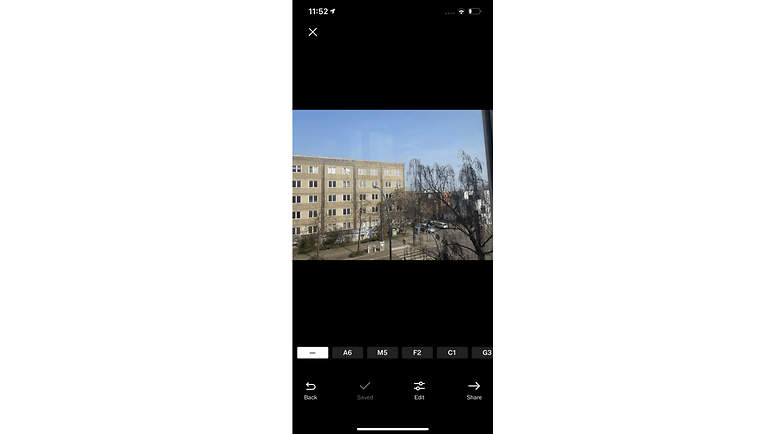
With several filters and creative editing tools, you can create small works of art and share them with your friends or other VSCO users. More info about VSCO can be found in our description of the Android app above. Again, though, it can be stated that the app for iOS is a bit nicer and more intuitive.
Apple's own camera app
You weren't expecting this, were you? Call me lazy if you want, but the native camera app on your iPhone is a really powerful piece of software. If you're unhappy with the app, you may not have discovered all the features and tricks the app has to offer. Before downloading new apps, maybe try Apple's Photos app again and check out all the modes.
This app also allows Apple to fully utilize its own algorithms for optimizing images. Because of this, the results before applying filters are usually a little better than with other camera apps. The Photos app, by the way, then allows you to make numerous tweaks. If you haven't used Apple's own photo tools yet, you're really missing out!
For now, this selection of camera apps should suffice, but I'll be happy to make any necessary adjustments to this article. So let me know your tips in the comments and I'll take a look at your suggestions.
This article is updated regularly. Older comments can, therefore, refer to an earlier version of the article and appear out of context accordingly.



There are many best camera apps it depend on users which they like and which they choose.
I like google camera but that isn't available to download from playstore. So APK may also not work.
-
Admin
-
Staff
Jan 6, 2022 Link to commentWhich device are you currently using?
Samsung Galaxy A52
Camera Zoom FX was pretty good on my Galaxy S7. Can't get it to focus at all in any of the focus settings on my Galaxy S10. Stock camera beats the heck out of it.
I can vouch that Google Camera App did improve my photos on the Motorola G7 (if you're not content with your Smartphone's Camera and / or the Software App tied to it? Download Google Camera and give it a try)
All I really want is a simple camera that automatically freezes each new picture full-screen for at least a couple of seconds so I can review it. Do any of these apps do that?
Is there really any difference between any of these apps and say the stock Samsung Camera app?
I don't mean playing around the edge differences but actual game changing features?
It would appear that most differ in the UI rather than changes in the process, would it matter as the camera unit is the important part.
Though if it's just the UI that differs then it's not a bad thing, I find it a little annoying that it takes 2,3,4 steps to change the camera settings so I'll give those listed a trial run, I'm just doubtful on the quality side.
Peace 🖖
I have Camera ZOOM FX premium. Good app but a bit buggy and HDR not very good.
If you wanna defocusing, I recommend God Defocus Pro. It has powerful depth than google camera.
It'll even support up to 4K video capture, providing you have the right hardware.
I'm using the native camera app on my Pixel 2 and open camera. Open camera provides a little extra control of some of the settings that I don't get with the native app. I have also used footej and camera 360 just a little, but stay for the most part to using open camera and the native Pixel 2 camera app for most of my pics.
Google’s Camera app has been getting better and better both for beginners and pros!
I use a combo of Open camera, when I'm in a hurry, and camera FV-5, if I want to really get the best I can out of a tiny pinhole sensor.
In this era i really need the best camera and i search for that and i found some amazing camera with smart phone in 2018 check it out here
digitalinfo3 blogspot dot come
Thanks for such information.
Which of the apps has ISO priority mode where I can set the ISO and the app can automatically select the shutter speed?
Proshot has that feature (P mode)
Just wondering if these apps store your photos. I'd like something that is secure. Thanks!
I am using the nexus/pixel camera APK on my oneplus 3T which allows me to use HDR+ mode and I gotta say, It's incredible how much better it is than the native camera app.
Cool Rapheal, where can I download this APK you mentioned?