The best messaging apps for 2020

There are a ton of messaging apps out there to choose from. There's the obvious and unavoidable WhatsApp and Facebook Messenger, but apart from the must-have apps, there are plenty more out there to discover designed for sticker-lovers, busy professionals, the security-conscious, and even gamers. Check out our roundup of the best messaging apps for 2020.
Shortcuts:
Best overall messenger app: WhatsApp
While WhatsApp may not be the first messaging app to roll out cutting edge features, but it is simple to use, reliable, and everyone seems to have it. It uses phone numbers from your address book so you don't have to add contacts manually, which is a big help when setting things up for the first time.
WhatsApp has all the standard messenger features you've come to know and love: voice and video calling, messaging, group chats, voice messages, and fun features like the ability to send stickers, emoji, GIFs, and your own photos and videos of course.
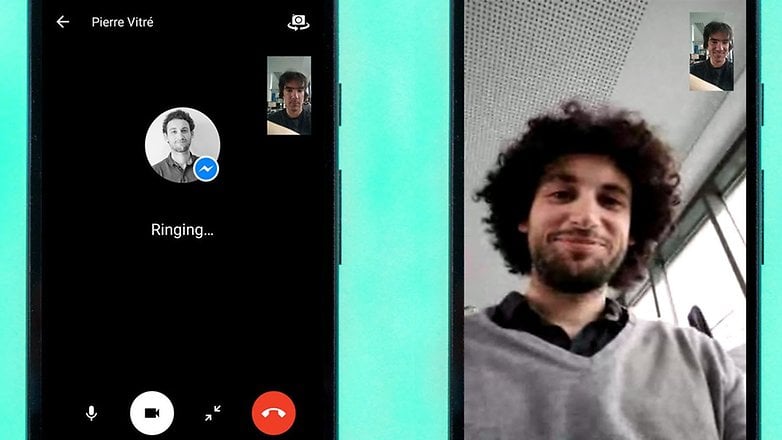
Everyone's on it, so it's a must-have: Facebook Messenger
Facebook...love it or hate it, its ubiquity makes things convenient when it comes to messaging by eliminating the need to trade numbers with your Facebook friends. For those you aren't connected with on Facebook, you can still contact them via Messenger using their phone number.
Like WhatsApp, the interface is simple to navigate, and you get stickers, emoji, and GIFs galore alongside the standard features like calling, photo sharing, and messaging. Plus, Messenger also has polls (which comes in handy when rallying the friend group together to pick a brunch spot), a selection of games, and the ability to connect you directly with a growing number of businesses using chatbots.
The privacy-focused messenger: Threema
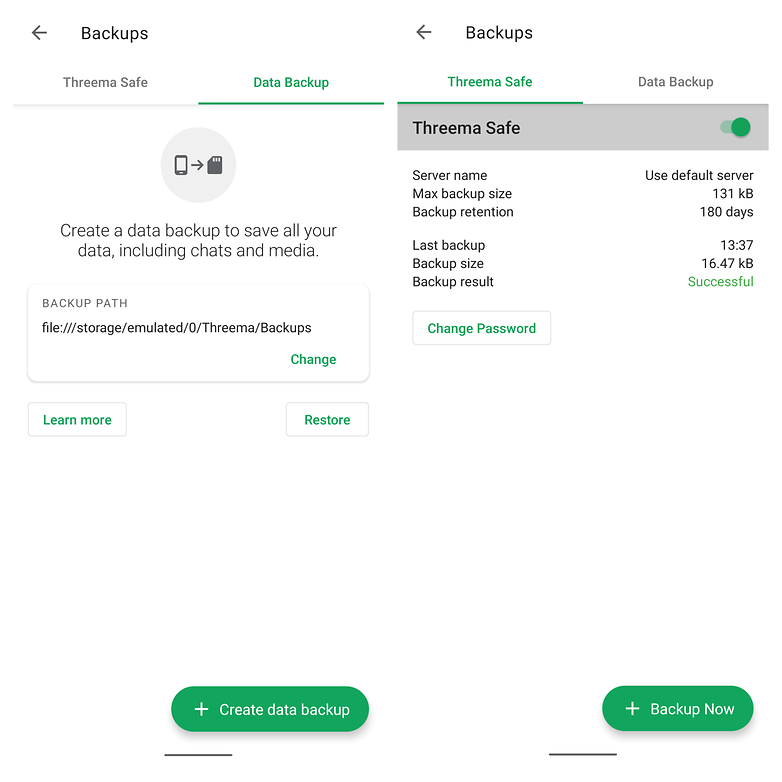
Threema is one of the more privacy-focused messenger apps on the market today. Contacts are identified through Threema IDs. They are stored on the Threema's servers so that you can backup and transfer your account from device to device. However, there are lots of extra security measures and features here that make Threema an ideal choice for those looking to take control of their personal data when messaging their friends. The only downsides to Threema are that it costs a couple of bucks and you'll have to convince your friends and family to pay up too if you want to have people to talk to on the app.
The best for anonymity: Session
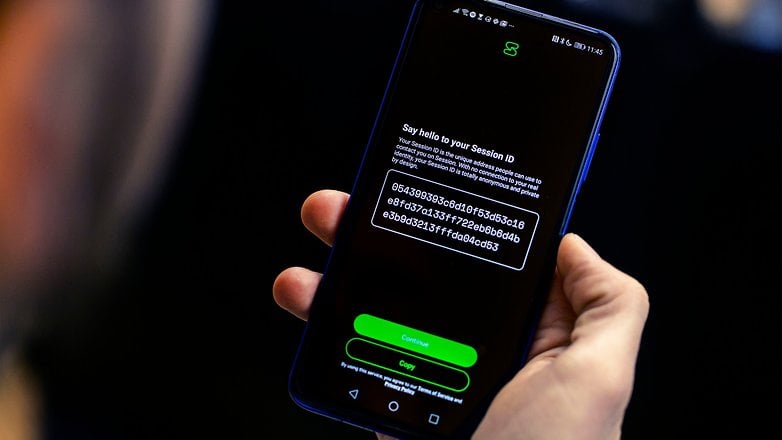
Session is, without doubt, the best messenger app for those who want to be anonymous and stay under the radar of the webmasters desperate to harvest our data and sell it to advertisers. Session can be used without a telephone number, and yet still functions as a WhatsApp-style messenger capable of both texting and calling. It comes from the same team as Signal messenger, but features a couple of advantages over its sibling such as encrypted group chats. Session is certainly one of the most promising messengers for the privacy paranoid. You can download Session from the Google Play Store.
The classic for video calling: Skype
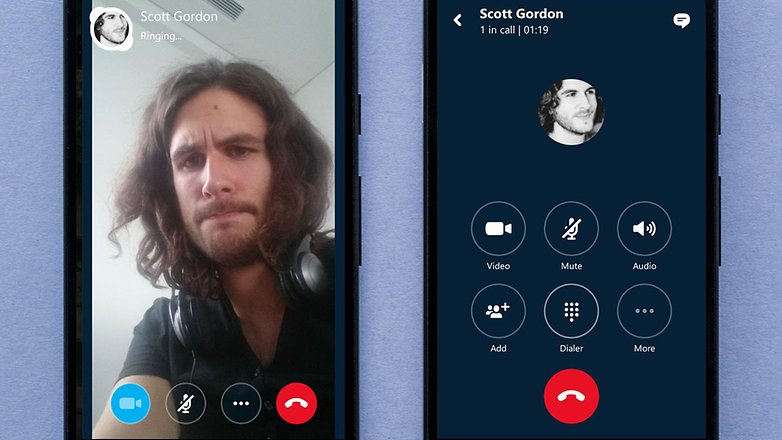
The original go-to app for video calls, Skype, has been around for ages. As a result, it's seen some changes over time. It still has video calling and instant messaging, but now it's got a more sleek, modern design and works well on mobile devices. Plus, it has fun GIFs and moving emoji.
Adding contacts requires you to know their user ID, and while Skype-to-Skype calling and messaging is still free, there are paid options for calling or sending SMS messages to traditional phone numbers.
An underrated mainstay for SMS, calls, and Google Voice: Hangouts
Google set up Hangouts as the standard (but interchangeable) messaging app in Android 4.4 KitKat, and thanks to this it picked up a lot more users, and it still continues to gain steam after all this time.
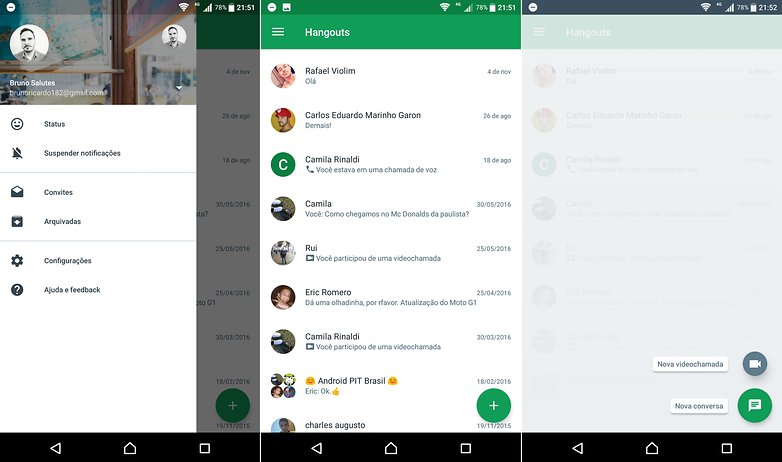
Hangouts is a combined SMS and IM app that separates the two types of messages but can be used to automatically place voice calls and video calls from your phone via Hangouts. It's the key app for those who use a free Google Voice phone number, which is an incredibly handy thing to have. Because it handles both SMS and IM, it cuts down on the number of apps you need to be working with, and its video calling quality is arguably better than Skype's.
Social messaging for sticker lovers: Line
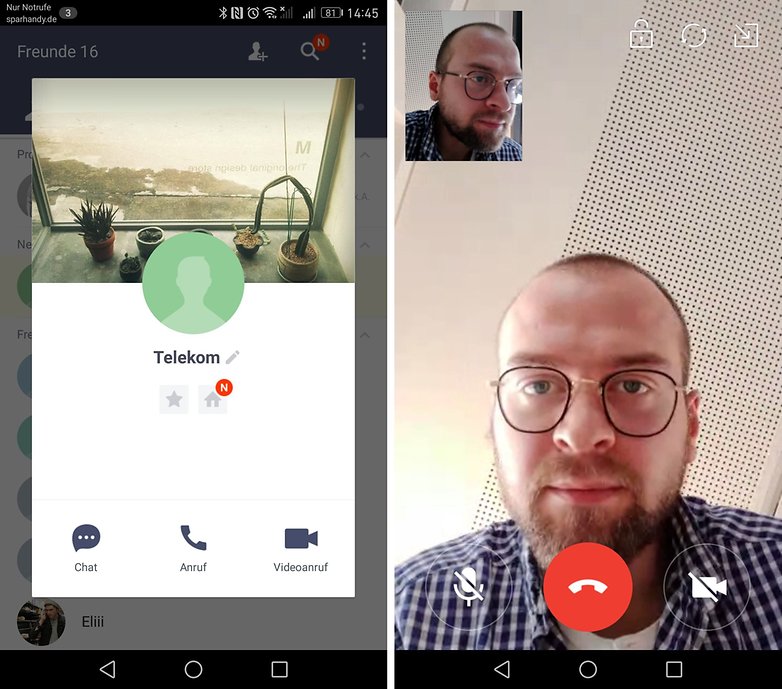
Line is jam-packed full of stickers and other fun stuff and is immensely popular throughout large parts of Asia as a social network and messenger app. You can get several sets of stickers for free, then for a small cost, you can get more from the in-app sticker store.
Line is kind of like Twitter, Facebook and Skype all rolled into one. It’s also feature-filled with group chats, multi-platform capabilities (phone, tablet, PC), timeline, recorded voice messages, media sharing and much, much more, including official account messages from celebrities you like.
Best for expanding your network: WeChat
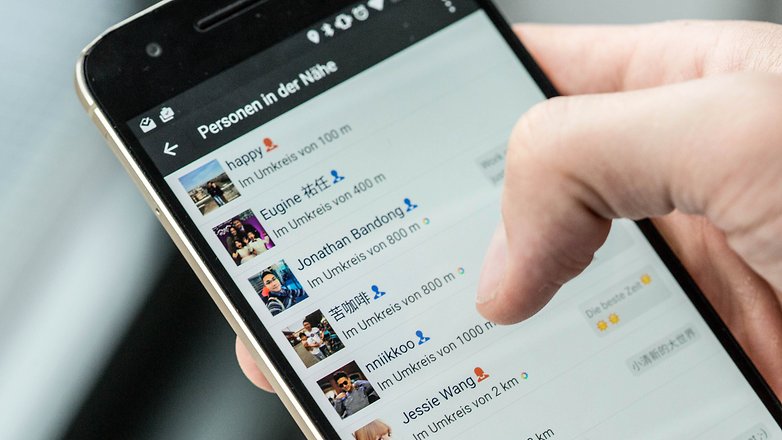
WeChat works like other messenger apps, in fact, it works quite well. The big difference is that it tries to expand your network with potential contacts who are nearby. You just have to shake your phone and you could find someone on WeChat who's also looking for a new friend. You can then add them or choose not to.
You can use the 'Friend Radar' to find friends who are nearby so you can meet up with them. When you do this, a little 'radar' pops up on the app and searches for friends in your vicinity. Once you see them on your radar you can chat with them and propose a meeting.
Best for secure messaging: Signal
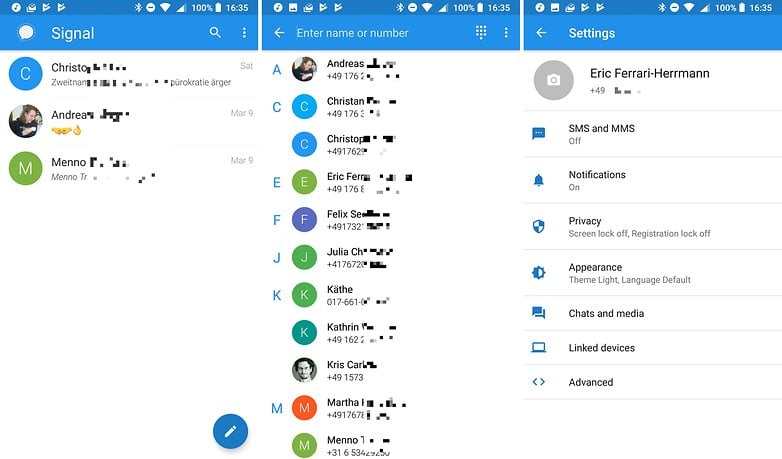
With Signal, you can send encrypted messages, including images, videos, and voice notes. Plus, it can do one-to-one voice and video calling. Functionally, it's a lot like normal messengers, but with a focus on security and privacy. It does lack tablet support for now, though.
Thanks to its end-to-end encryption, you can trust that your messages and calls are secure. Additionally, no group chat metadata is passed to Signal's servers, so Signal can't access the list of your group members, the names of your groups, or the group icons. It also has a disappearing message feature that Snapchat users will be familiar with.
Best for the office: Slack
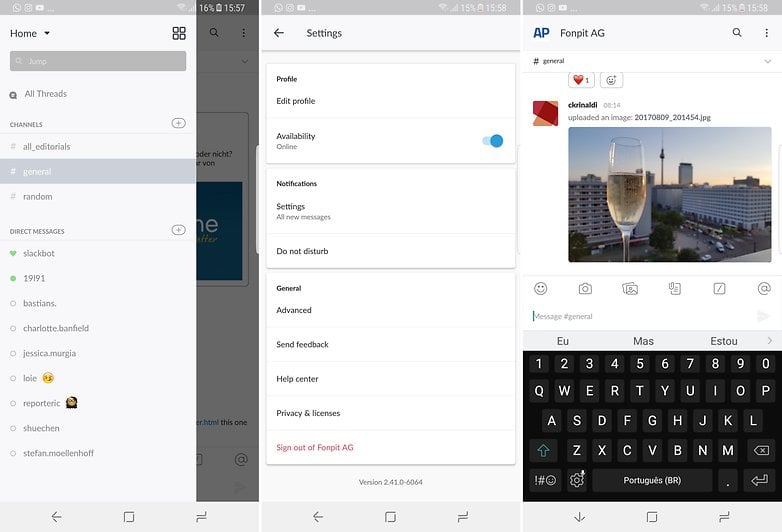
Slack is hands-down the best app for business messaging on mobile and desktop. While it doesn't totally replace email, it can come close by keeping all your day-to-day operational chatter and announcements in one place.
You can create channels by department, create groups of certain people collaborating on a project together, or do one-to-one messages. Emoji reactions also save time, since you can give a quick thumbs up to mean "roger that" or "great idea". Plus, it has extensions that work with other collaboration tools like Google Drive, Dropbox, GitHub, Salesforce and Asana.
Best for gamers: Discord
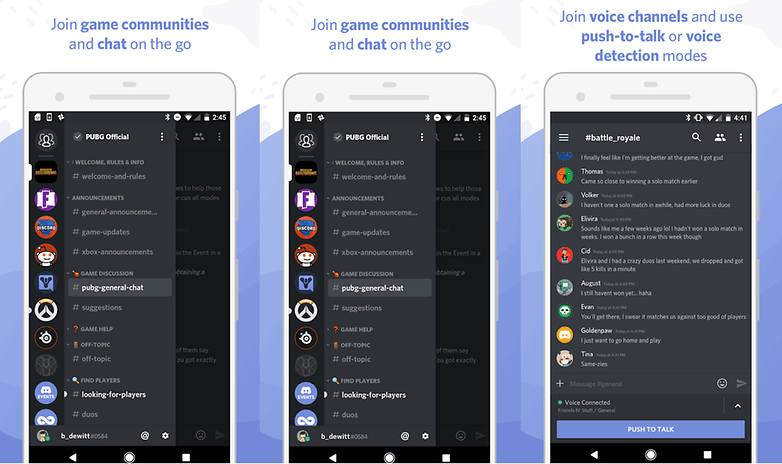
If you're a gamer, there's one messaging app you won't be able to live without. Discord lets you chat, and do audio and video calls, just like any other messaging app, but it's designed with gamers in mind and has a lot of additional features that make it perfect for keeping up with your community.
Private and public messaging, instant invite links, member roles for servers, the ability to organize in guilds, and see which games your friends are actively playing all make this the ultimate app for gamers. But, Discord is also used by Reddit communities, Twitch streamers, YouTubers, and other groups too. The more the merrier!
Do you have any other favorites not listed here? Let us know in the comments!












I'd also advice to check Utopia p2p. In comparison with other popular messengers it seems more encrypted. I believe it deserves a chance at least because it didn't face any data breaks till now and is more safe.
Oh, By the way I also use Utopia p2p. Unfortunately, the mobile version has not been released yet, so I am forced to use less secure applications like Telegram. I've seen the news that the release of the mobile version is planned to the first half of 2021, so we just have to wait a bit.
Great article, thanks. Maybe in the near future we will see a new revolutionary application, which TikTok once became. By the way, if someone has already come up with a concept for such an application, you can read the Cleveroad blog. There are many helpful articles on this topic out there.
-
Admin
Sep 18, 2020 Link to commentStill, a good old fashioned phone call...
How can you forget VIBER. Such an supercool IMHO way more better than WhatsApp.
my guess is you don't even know how good it is.
-
Admin
Mar 16, 2020 Link to commentViber is okay. Extremely popular in Vietnam and SE Asia generally.
These messengers are not the most reliable and some had security problems. It was hard for me to find a truly convenient and secure messenger, but I found Utopia. Never be afraid to try something new.
I would like to know more about Utopia
Very unusual and one of a kind project
so you're going with the "the more use it, the better it is" approach. Whatsapp is used by many, so it's the best. Like an iphone used by many, so it's the best.
interesting is, my list is so extremely different from yours (i only use Telegram and Threema) that we do simply not agree on anything - that's the beauty of choices!
The problem with messengers is, what use are they if noone is using them? That's the difference to the iPhone. Even if everyone is using the iPhone and I am not, I can still call of them. If everyone is using WhatsApp and I am not, I can not contact them.
My favourite one among these is Signal Messenger.
We need an app for messaging within our office local network. It shouldn't be connected to external online servers or use the Internet connection. I prefer security if we talk about corporate communications. All devices are connected in one Wi-Fi network. I think that's enough for creating group chats. File transfer will be a good option also. Any recommendations?
Have you tried Softros LAN messenger? I think it can satisfy your needs.
After WhatsApp, WeChat is the most emerging instant app now days.
I need my messenger calling in working
For what I need, WhatsApp is okay. Obviously there are other communications solutions, yet I prefer WhatsApp for the reasons outlined in this article. I'm considering choosing another app, but I still do not know which.
Great post! We can use both free and paid messaging apps for Android. If we prefer free version it lags at security, integration. Moving to the paid version or developing own instant messaging apps will help you on both security and integration. There are plenty of instant messaging apps are available in an internet market like Contus Fly. We just open an eye and think broader that depends on your needs.
I would like to see a new category for the best messenger app to use with any contact regardless of the app they are using for messages?
The problem I have with apps such as WhatsApp and Allo is the inability to message someone not using the same app. There is no way I can convince every person I know to use the same app, especially when they will have to also convince everyone they know to use the same app or they have to deal with multiple apps.