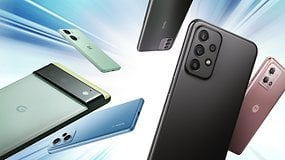
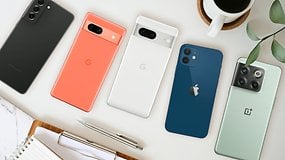
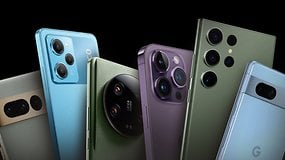
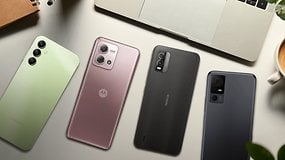
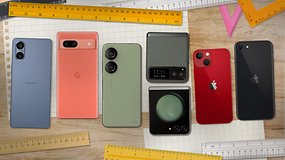
Six hundred dollars used to be the flagship territory, but today is a highly competitive market with premium phones with a good price-performance ratio.
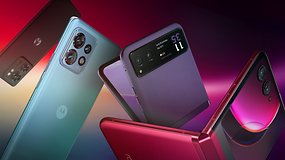
Looking for the best foldable phone? Check out our list of the best foldable phones in 2024, featuring brands like OnePlus, Google, Samsung and Motorola.
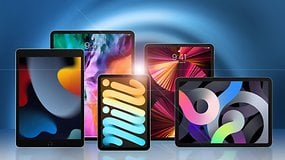
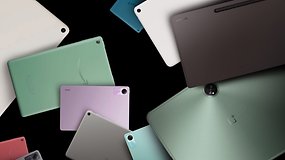
With Google back in the tablet arena, it is time to compare the Pixel tablet to the Galaxy Tab and Amazon Fire HD models.
Recommended editorial content
Jobbio
With your consent, external content is loaded here.
By clicking on the button above, you agree that external content may be displayed to you. Personal data may be transmitted to third-party providers in the process. You can find more information about this in our Privacy Policy.



Recommended editorial content
With your consent, external content is loaded here.
By clicking on the button above, you agree that external content may be displayed to you. Personal data may be transmitted to third-party providers in the process. You can find more information about this in our Privacy Policy.