How to use Google Drive on Android: a beginner's guide
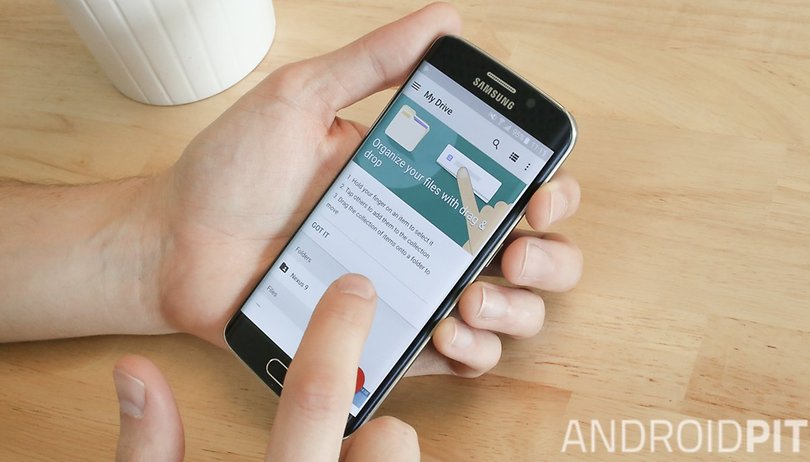

Google Drive has pretty much taken over the world since it was launched in April 2012, to the extent that it's hard to imagine a world without it. Where did we even store our precious files before that? Was it on hard drives? Memory sticks? Floppy disks? It's not important any more, because thanks to Google Drive (and other cloud storage services), we store our documents, photos and other files online, where they won't be destroyed by fluids, feet, or the passage of time. Here we show you how to get started with using Google Drive on your Android device.
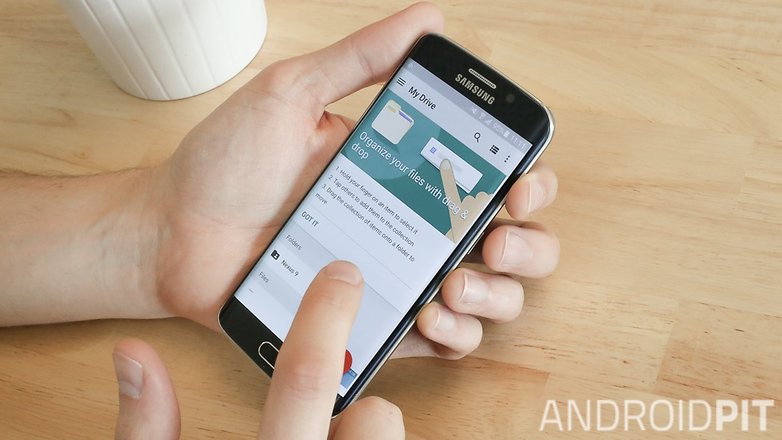
Why keep your documents in Google Drive?
On Google Drive, you can store and access files from different devices and computers, because they're kept online - or in 'the cloud'. Google Drive also gives you the option to share and collaborate on your documents, photos or notes with anyone else you want. In summary, Drive has three advantages:
- Documents are accessible from anywhere (provided you have an internet connection)
- The ability to share and collaborate on files with friends
- Automatically saves all your files, so you don't need to worry about losing them
How to save files in Drive?
Thanks to Android, it’s easy to transfer files to Google Drive. For best results, we recommend that you use Google Docs when writing documents using your Android device. Anything you write here automatically gets saved to your Google Drive account. The same applies to Google Sheets (equivalent to Microsoft Excel) and Google Slides (equivalent to Microsoft PowerPoint).
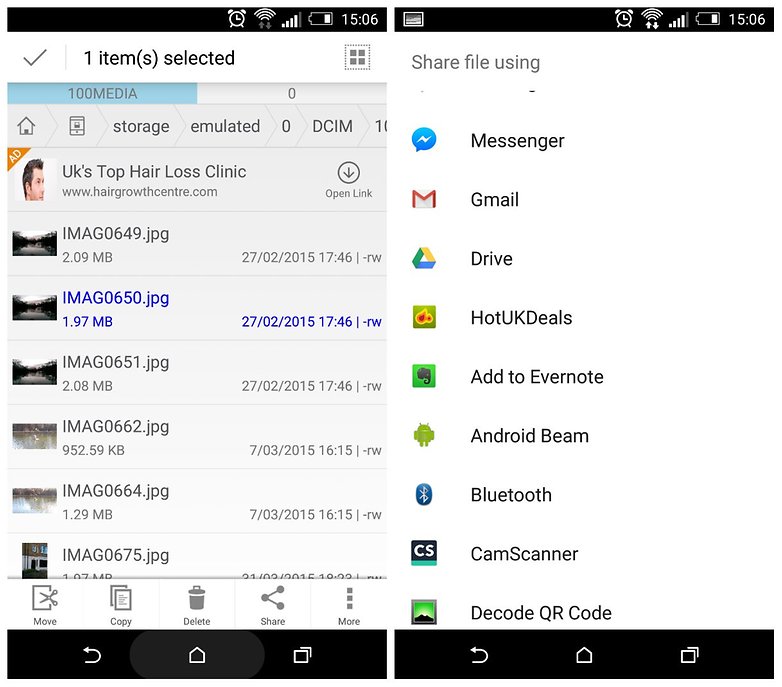
For photos and videos, you can upload them to your Drive account using your phone's default Gallery app, then tapping the Share button or icon. For any other type of file, we recommend using an Android file manager like File Manager or Solid Explorer to pick files on your phone and upload them to Google Drive.
- Using File Explorer, navigate to the file you want to upload, long-tap it, tap Share, then tap Drive in the list. This will upload your selected file(s) to your Google Drive account.
Sharing and collaborating on documents
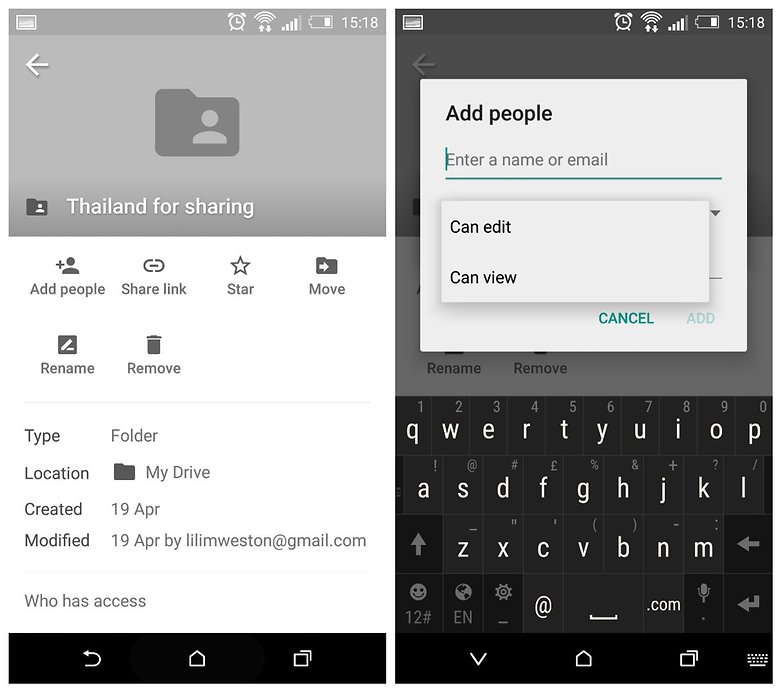
Suppose you're organizing a holiday with your friends, and you want to create a shared folder in which people can see and customize all its contained files. You can do this with Google Drive.
- To share a document, tap the 'i' icon to the right of it in Google Drive, the tap Add people.
- Type the email addresses of all the people you want to share the document or folder with.
- Tap Can edit to pick whether you want people to be able to edit the file, or just view it.
- Next, write a message if you like, then tap Add.
Sharing a Drive document via email
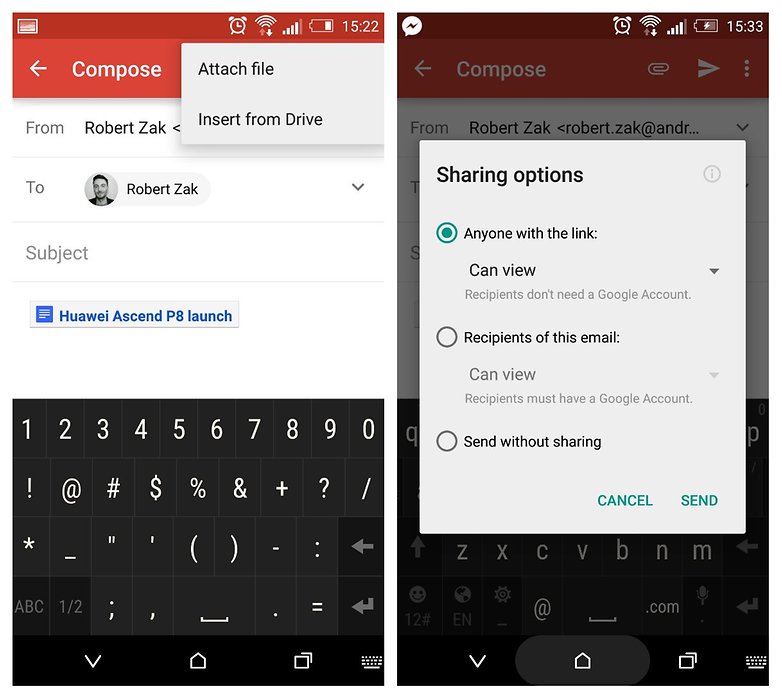
- When you're composing an email in the Gmail Android app, tap the paper clip icon at the top right, then Insert from Drive.
- Select the document you want to add, then when you tap the send button in your email, you'll be presented with a couple of Sharing options.
- If you're sending the file to someone without a Google account, select Anyone with the link, then tap Can view to decide whether you want them to edit or just view your document. If they have a Google account, select Recipients of this email:. Send without sharing will do just that, making the document not much use to the recipient!
Do you use Google Drive, or is there another cloud storage service in your life? We want to know about it, so tell us in the comments.
Updated by Robert Zak on May 5, 2015







How do I open Google Drive?